
 Social Guidelines
Social GuidelinesBeta
Social Guidelines
Social Guidelines
Social GuidelinesBetaSocial Guidelines overlays the safe zones and guides of social platforms on your image in DaVinci Resolve and Premiere Pro. So text and graphics never end up under an app's buttons.
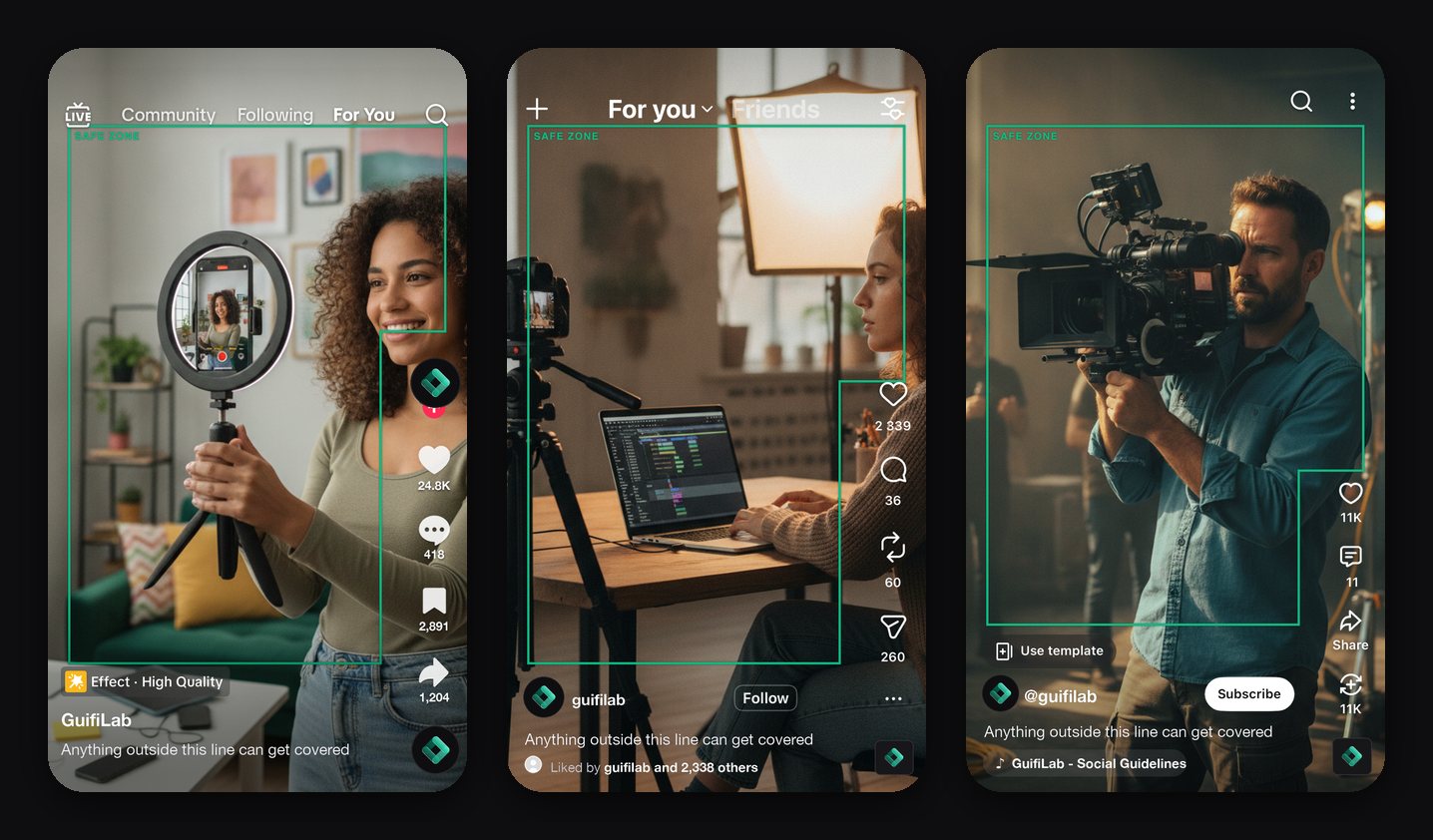
Instagram, TikTok, YouTube and Facebook: Reels, Stories, Shorts, feed and 16:9.
A panel in DaVinci Resolve Studio and Premiere Pro, plus an effect that also works in the free version of Resolve.
Pick platform and format; the guides are in place right away.
Installers for both systems.
Editors who make video for Instagram, TikTok, YouTube and Facebook in DaVinci Resolve or Premiere Pro.
As a panel in DaVinci Resolve Studio and Premiere Pro, and as an effect that also works in the free version of DaVinci Resolve.
Instagram, TikTok, YouTube and Facebook: Reels, Stories, Shorts, feed and 16:9. Pick platform and format and the guides are in place.
Yes, there are installers for both systems. Social Guidelines is in beta.
GuifiLab builds the interface; how it works also depends on the services and components of others that this product builds on. What works with what
Social Guidelines is in beta. Want to try it or know more? Get in touch, we are happy to tell you about it.
Request beta access
We use cookies needed to run the site and the cart. With your consent we also measure how an order reached us. No ads.